
Reach and
convert local
audiences with
Meta Ads
For local businesses selling to people nearby: Facebook and Instagram ads that reach the right neighbourhoods and bring in enquiries.
5.0 from 5 Google reviews (opens in a new tab)$599/month + setup


Why
Why Meta Ads work for local businesses
Facebook and Instagram reach billions of people daily. Meta's targeting tools let you find customers by location, interests, behavior, and intent. You pay only for results, making it cost-effective for businesses of any size.
- Reach local audiences at scale
- Retarget website visitors and past customers
- Generate leads with built-in lead forms

Targeting
Find your customers where they are
Meta's targeting goes deep. Location, age, interests, behaviors, purchase history. You reach the right people at the right time, not just anyone scrolling.
Geographic and demographic precision. Target by neighborhood, postal code, or radius. Reach homeowners, parents, business owners, or anyone matching your ideal customer profile.
Packages
Meta Ads management
Meta Ads Management
For local businesses selling to people nearby on Facebook and Instagram
+ $399 one-time setup · CAD, plus tax
3-month minimum, then month-to-month.
- Pixel + Conversions API setup
- Local, lookalike & retargeting audiences
- 4 ad creatives/month
- Bi-weekly optimisation
- Monthly report
We recommend at least $1,000/month ad spend, paid directly to Meta.
Choose Meta Ads ManagementAll prices in CAD, plus applicable taxes. Ad spend (where relevant) is paid directly to the platform.
Free audit
What you get in your free Meta Ads audit
See why your Facebook and Instagram ads aren’t turning into customers.
- Pixel and Conversions API tracking check
- Audience review: local targeting, lookalikes, retargeting
- Creative review: hooks, formats, ad fatigue
- Budget and bidding setup
- Landing page and lead-form check
- Quick wins + a creative idea list
Not running ads yet? A launch plan: audiences, offer ideas and budget range.
Delivered as a short PDF report + a 10-minute video walkthrough, within 3 business days.
Meta Ads audit report
- Pixel + Conversions APIFix first
- Local targetingGood
- Creative fatigueNeeds work
- Lead formNeeds work
Request your free Meta Ads audit
Choose your campaign goal
Every campaign has a purpose. Pick the one that matches your business need and let Meta optimize toward that outcome.
Build brand recognition
Introduce your business to new audiences and stay top of mind in your market.

Drive interaction
Get likes, comments, shares, and messages. Build community and test messaging before committing to conversions.
Send visitors to your website
Drive qualified clicks to your site. Perfect for showcasing services, booking pages, or product catalogs.
Capture leads
Use instant lead forms to collect names, emails, and phone numbers. No friction, no lost prospects.
How it works
How we run your Meta Ads

Creative
Visuals and copy that stop the scroll
We build ads that match your brand and speak to your audience. Strong visuals, clear messaging, and a single clear action. That's what converts.

Retargeting
Bring back visitors who almost converted
Someone visited your site but didn't book or buy. Retargeting ads remind them why they need you. Second chances turn into customers. Retarget website visitors with relevant offers. Reach people who engaged with your ads but didn't convert. Capture leads with instant forms, no redirects needed.

Reporting
Know exactly what your ads are doing
No guessing. You get clear monthly reports showing cost per lead, conversion rates, and ROI. We optimize based on data, not hunches. Monthly performance reports with clear metrics. Continuous optimization to lower costs and improve results. Transparent tracking of every lead and every dollar spent.
Facebook and Instagram campaign types we run
The campaign goal tells Meta what to optimize for. The format and placement decide how your ad looks and where people see it. Here's what we use and when.
Sales and catalogue campaigns
For online stores, we connect your product catalogue so Meta can show the right products to the right people, including dynamic ads that show visitors the exact items they viewed. These need the pixel and Conversions API sending purchase data reliably.
Lead campaigns
Instant forms that open inside Facebook or Instagram, or traffic to your own landing page. We choose based on lead quality, not just volume. Our lead generation ads service covers forms, CRM handoff and follow-up in more depth.
Message campaigns
Ads that open a conversation in Messenger, Instagram Direct or WhatsApp. They suit businesses where people want to ask a question first, such as restaurants, salons, clinics and contractors giving quotes.
Video and Reels ads
Short vertical video for Reels and Stories, plus square or landscape video for Feed. We plan the first few seconds carefully, because that's where people decide to keep watching or scroll past.
Carousel and image ads
Several images or products in one swipeable ad, or a single strong image with a clear offer. Simple to produce and quick to test.
Boosted posts vs Ads Manager
Boosting a post from your page is easy, but it gives you limited control over goals, audiences and tracking. We run campaigns in Ads Manager so every setting is deliberate and measured.
Audiences that find the right people in London, Ontario
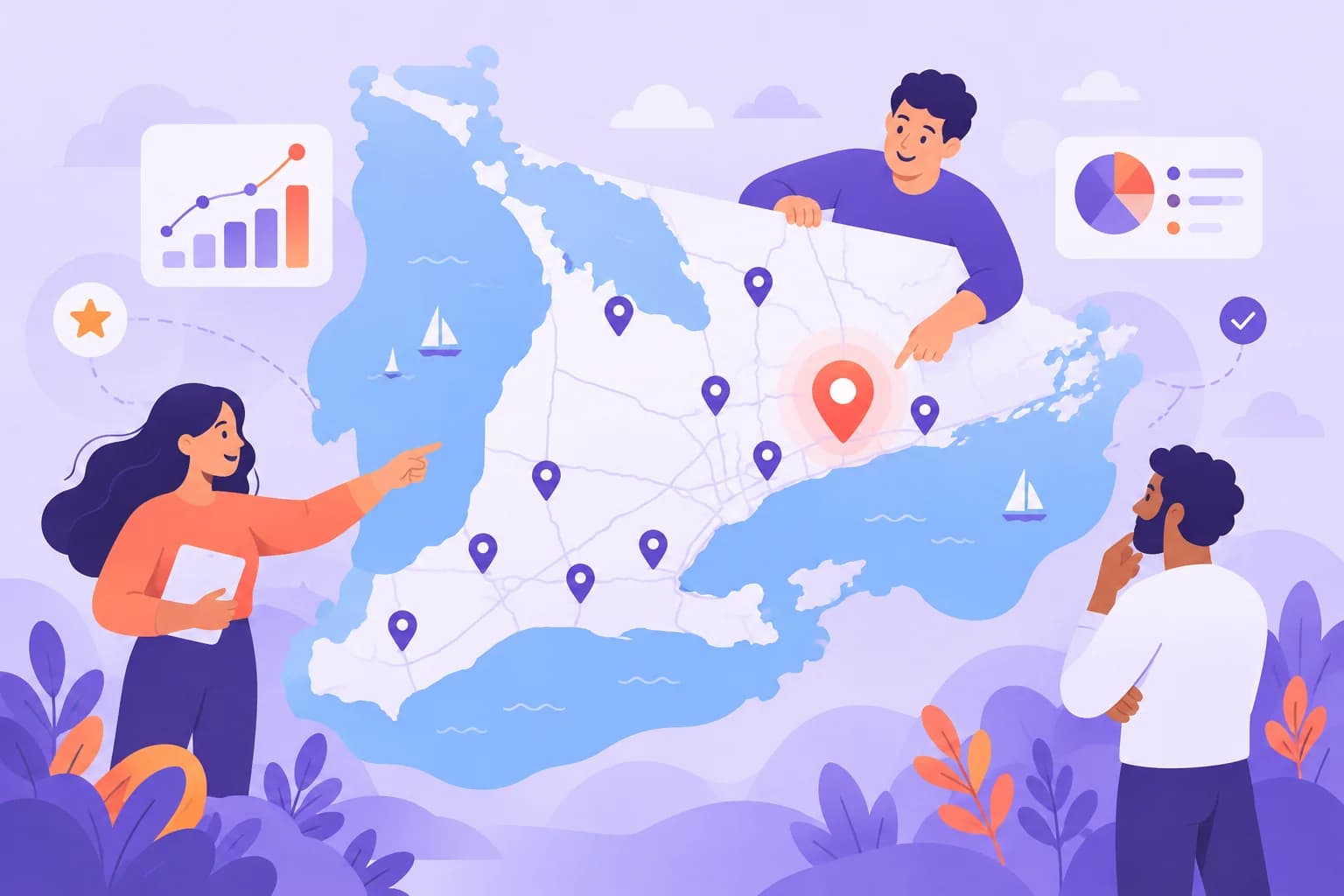
Local targeting
We target by city, postal code or a radius around your location, and exclude areas you don't serve. For businesses with several locations across London, the GTA or Southwestern Ontario, each area can get its own budget and message.
Custom audiences
Built from people who already know you: website visitors, people who watched your videos, Instagram and Facebook engagers, and your own customer list (uploaded securely and matched by Meta). These are usually your warmest audiences.

Lookalike audiences
Meta finds new people who share traits with your best customers. The quality of a lookalike depends on the source, so we build them from real customers or qualified leads, not from everyone who ever clicked.
Broad targeting with strong creative
Meta's automated targeting (Advantage+ audience) often finds buyers well when it has good conversion data. In these cases, the creative does the targeting: the image, the hook and the offer attract the right people. We test broad audiences against defined ones and keep what works.
Special Ad Categories
Ads about housing, employment, credit and financial services, and social issues fall under Meta's Special Ad Categories. These limit options like age, gender and detailed postal code targeting. If you're in real estate, recruiting or finance, we plan campaigns within those rules from the start.
Creative testing
On Meta, creative is one of the biggest things you control. The same audience can respond very differently to two ads.
We test in a simple, structured way. Each round tests one idea: a different hook, a different offer, a photo versus a video, or a customer-focused message versus a feature-focused one. We give each test enough budget and time to show a clear result, then keep the winners running and replace the rest.
Every ad also has a shelf life. When the same people see an ad too often, results drop. That's ad fatigue. We watch frequency and cost trends, and bring in fresh creative before performance slides. Your package includes four new ad creatives each month for this reason.
Good ads for local businesses are often simple. Real photos of your team and your work, a clear offer, your neighbourhood or city named in the copy, and one action to take. If you need more video, our video marketing team can help, and our branding service can tighten your look across every ad.
Running boosted posts and not sure they work? We'll review your account for free. Get my free Meta Ads audit
Meta pixel and Conversions API setup
Meta can only show your ads to people likely to convert if it knows who converted. Browser privacy changes, such as Apple's App Tracking Transparency on iPhones and ad blockers, mean the pixel alone misses some of that data. The Conversions API sends events from your server as well, so fewer conversions go uncounted.
- Meta pixel installed on every page, through Google Tag Manager or your site platform
- Conversions API connected (through your platform's integration, a gateway or server-side tagging)
- Standard events set up: Lead, Contact, Schedule, Purchase, AddToCart and others that fit your business
- Event deduplication so a conversion seen by both the pixel and the API counts once
- Event match quality reviewed, so Meta can match more conversions to the right people
- Domain verification in Business Manager
- Consent handled in line with your cookie banner and privacy policy
- Test events checked before launch, then monitored after
Retargeting that brings people back
Most people don't act on the first visit. Retargeting keeps you in front of them while they decide.
Website visitors
Ads for people who visited key pages but didn't enquire. We split them by what they looked at, so someone who viewed your pricing page sees a different message from someone who read a blog post.
Engagers and video viewers
People who watched your videos or engaged with your Facebook or Instagram profile are warm but haven't visited your site. A short follow-up ad with a clear offer can move them along.
Lead form openers
People who opened your instant form but didn't submit. A reminder with a simpler offer can bring some of them back.
Past customers
Reach existing customers with seasonal offers, maintenance reminders or new services. Exclude them from new-customer campaigns so you aren't paying to win them twice.
Sensible frequency and exclusions
We cap how often people see retargeting ads, set time windows that match your sales cycle, and exclude people who already converted. Retargeting should feel helpful, not like being followed around.
How we launch and manage your Meta Ads

Step 1
Audit or launch plan
We review your account, pixel, audiences and creative, or build a launch plan if you're starting fresh.
Step 2
Tracking setup
Pixel, Conversions API, events and domain verification, checked before any budget goes live.
Step 3
Offer and creative
We agree on the offer, then write copy and produce the first set of ads for testing.
Step 4
Audiences and campaign build
Prospecting, retargeting and customer audiences set up in a structure Meta's delivery system can learn from.
Step 5
Learning phase and testing
We let campaigns gather data, then start testing hooks, offers and formats.

Step 6
Optimize and refresh
Budget moves to what works. Tired ads are replaced with fresh creative.

Step 7
Monthly reporting
Spend, leads or sales, cost per result and what we changed, with a plan for the next month.
Related services
Paid ads overview
How Meta, Google and lead generation campaigns fit together.
Read more about Paid ads overviewGoogle Ads
Catch people searching for your service after your Meta ads introduce you.
Read more about Google AdsSocial media marketing
Organic content and community management for the same pages your ads run from.
Read more about Social media marketingLead generation ads
Instant forms, landing pages, call tracking and fast follow-up for every enquiry.
Read more about Lead generation adsMeta Ads questions
Answers about Meta Ads management, budgets, targeting and results.
Book a free strategy callMeta Ads management is $599/mo + $399 setup (+ HST). Your ad spend is paid directly to Meta and is separate from our fee. Plans have a 3-month minimum, then run month to month.